One-click sweet potato bread
Overview
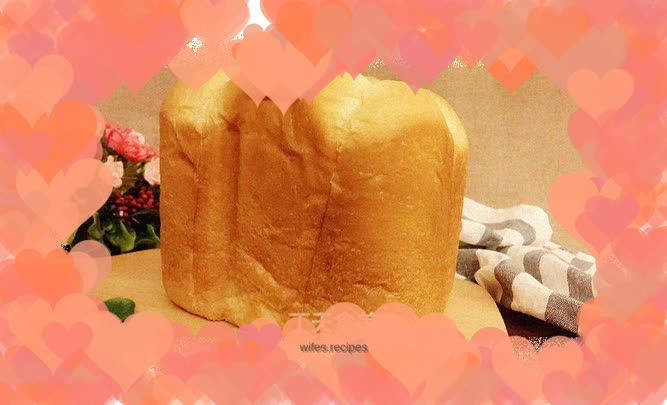
I like the one-touch bread function of the bread machine, it is convenient, simple and delicious
Tags
Ingredients
Steps
-
Put the dough ingredients into the bread bucket one by one, put the sugar and salt diagonally, make a hole in the flour and put in the yeast. Select the bread machine program standard bread, 900 grams, dark color, start the bread machine

-
Prepare the filling. Steam and peel the sweet potatoes and put them into the pot with powdered sugar. Press the sweet potatoes into a puree and stir-fry over low heat until sticky

-
Add butter and sauté until smooth

-
Take 6 portions of stuffing and knead it into a ball. I used 15 grams of stuffing for each portion

-
After the bread machine exhaust program is completed, pause the program (the bread machine pauses once every 10 minutes), take out the dough and divide it into 6 equal parts

-
Wrap the sweet potato filling in the dough, take out the mixing knife and put in the dough

-
The bread machine continues to start the program, fermentation reaches 8 minutes and starts baking until the program ends

-
The surface of the bread is evenly colored

-
Even coloring on six sides

-
One-click bread is convenient, simple and delicious
